Project Overview
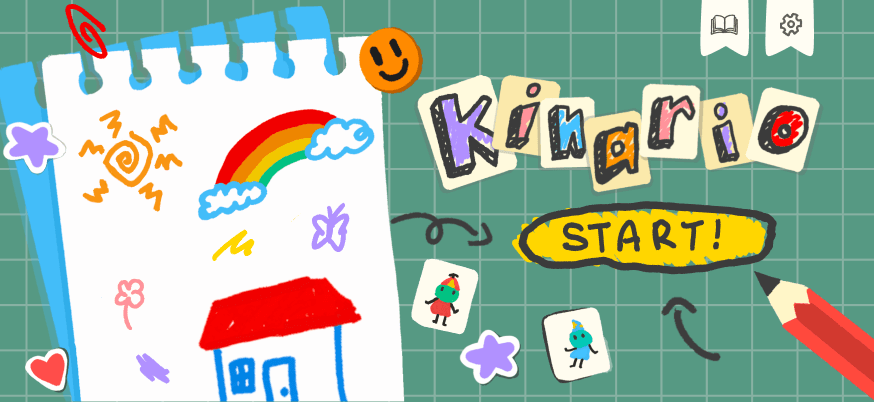
Kinario is a bilingual iPad learning game that turns everyday social-emotional situations into interactive stories. Players guide caregivers through school and playground scenarios by choosing and sequencing responses, then see how each decision changes a child's emotional state. The working build includes onboarding, two story worlds, six chapters, drag-and-drop interactions, star-based feedback, contextual narration, a caregiver guidebook, persistent progress, sound, haptics, and English/Indonesian localization.
The Problem
Caregiver guidance is often delivered as abstract advice after a difficult moment has already happened. The team wanted to make emotionally supportive responses easier to understand by letting people safely try different actions, observe the child's reaction, and learn why sequence and emotional safety matter.
The Solution
A scenario-based game built around short, replayable chapters. Each story presents a child's emotional need, a set of caregiver actions, and an interactive sequence. Feedback is expressed through changing character emotions, narration, hints, star results, and a practical completion tip rather than a pass/fail lecture.
What I Owned
- ◆Designed and implemented the end-to-end story navigation experience from onboarding and main menu to story selection, chapter selection, loading, gameplay handoff, and completion
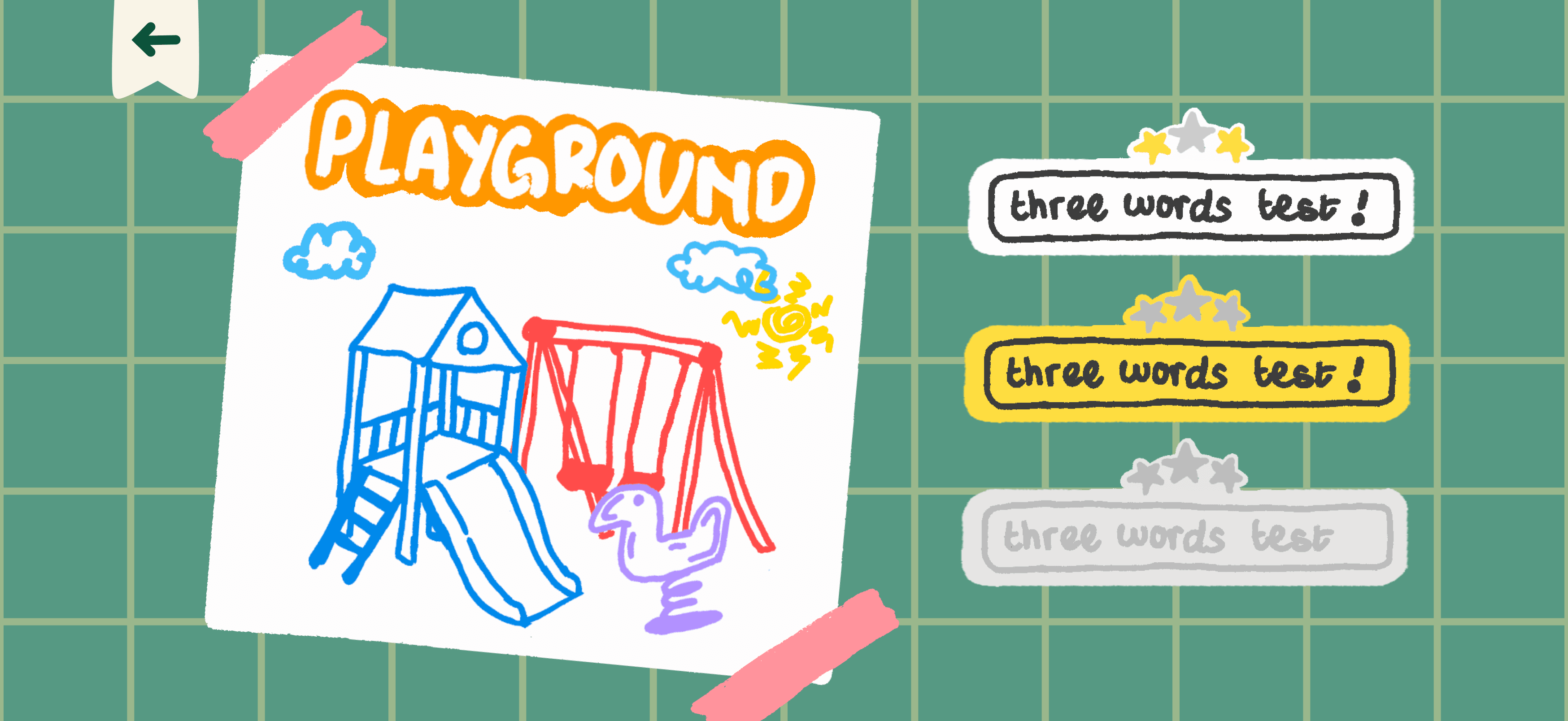
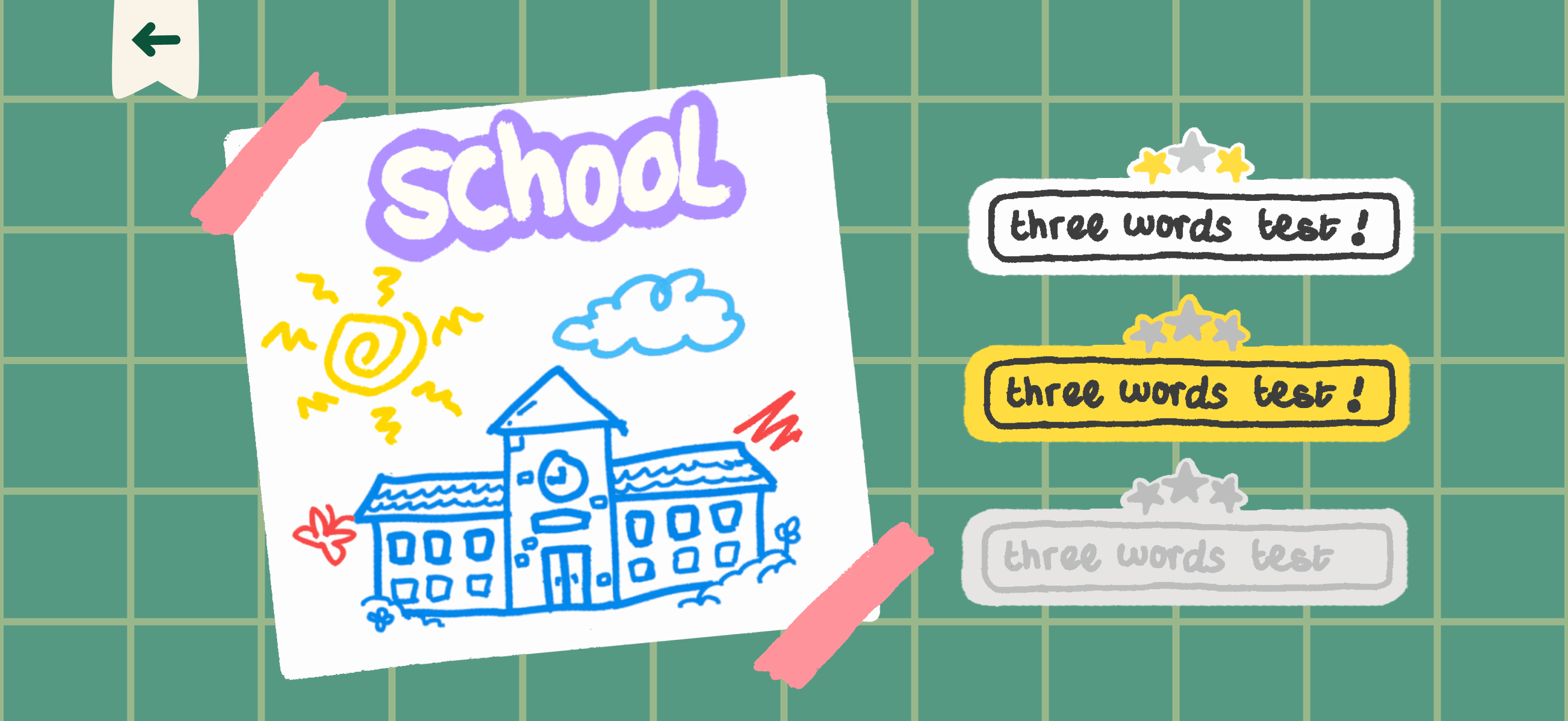
- ◆Built the responsive chapter-selection interface with swipe navigation, locked/current/completed states, star-aware chapter artwork, localized accessibility labels, and progress restoration
- ◆Created the onboarding transition and integrated original character, story, and interface assets into SwiftUI layouts optimized for landscape iPad screens
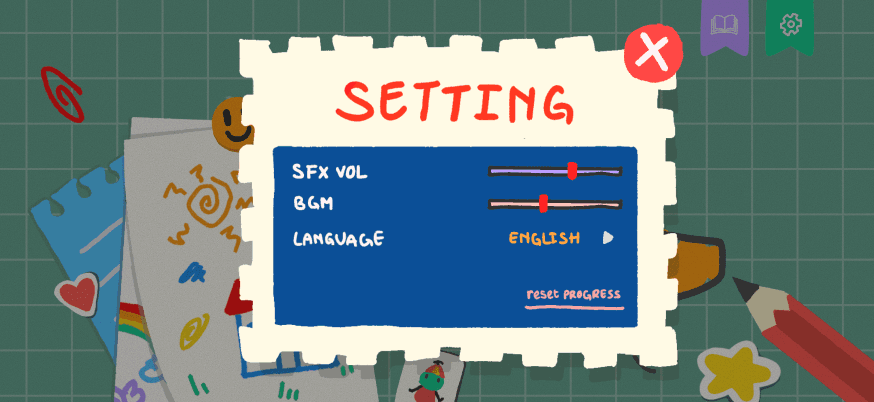
- ◆Implemented and tuned background-music behavior with separate menu/gameplay tracks, saved volume preferences, ambient audio-session handling, and ducking around sound-effect previews
- ◆Connected chapter navigation to the shared story catalog and persisted completion state so players can resume progress and unlock the next chapter
- ◆Participated in integration, visual QA, merge resolution, and iterative polishing across the complete product flow
What the Team Owned
- ◆Team — research, learning-content design, character and environment illustration, and scenario writing
- ◆Team — drag-and-drop game engine, JSON story schema and outcome evaluation, tutorial and hint systems, narrator feedback, sound effects, testing, and final product integration
The Learning Model
Kinario does not ask players to memorize a rule. Each chapter models an emotionally charged moment, offers several caregiver actions, and visualizes the child's response. The order matters: approaching a hesitant child before offering an activity can create safety, while jumping directly to the task may not.
The current build contains School and Playground worlds with three chapters each, covering hesitation, overstimulation, torn work, hurt feelings, sharing, and listening before intervening.
Challenge I Solved
The chapter screen had to combine large illustrated story art, three progression states, swipe navigation between worlds, landscape responsiveness, localized titles, and persistent completion data without becoming visually dense.
I separated progression resolution from presentation, sized the illustrated board from both width and height constraints, and mapped current, completed, and locked states to dedicated assets. The same screen now restores progress and communicates the next available chapter immediately.
Testing and Iteration
The repository includes focused tests for story progression, chapter navigation, tutorial sessions, instant dragging, haptic steps, sound throttling, localization, asset fallbacks, and completion feedback. Product polish was delivered through frequent integration passes rather than one final visual handoff.
Code Highlights
Views/ChapterSelectionView.swift
private func chapterStatus(
    storyIndex: Int,
    chapterIndex: Int
) -> ChapterProgressStatus {
    guard stories.indices.contains(storyIndex) else { return .locked }
    let story = stories[storyIndex]

    let previousStoriesComplete = stories.prefix(storyIndex)
        .flatMap(\.chapters)
        .allSatisfy { reference in
            progressByStoryID[reference.id]?.completion != nil
        }
    let completions = story.chapters.map {
        progressByStoryID[$0.id]?.completion
    }
    return ChapterProgressStatus.resolve(
        at: chapterIndex,
        completions: completions,
        previousStoriesComplete: previousStoriesComplete
    )
}
Progress-Aware Chapter Navigation: Players need to understand what is complete, what comes next, and what is still locked without leaving the illustrated story map. Resolve each chapter's visual state from persisted completion data, require earlier stories to be complete, and attach localized accessibility labels to every state.
Views/OnboardingView.swift
private func startAnimation() {
    withAnimation(.easeOut(duration: 0.55)) {
        contentOpacity = 1
        contentScale = 1
        contentOffset = 0
    }

    DispatchQueue.main.asyncAfter(deadline: .now() + 2) {
        guard !didFinish else { return }
        didFinish = true

        withAnimation(.easeInOut(duration: 0.45)) {
            contentOpacity = 0
            contentScale = 0.985
        }
        DispatchQueue.main.asyncAfter(deadline: .now() + 0.28) {
            onFinish()
        }
    }
}
Timed Onboarding Transition: Kinario opens with a short character introduction that should feel intentional without trapping the player behind a long loading sequence. Coordinate opacity, scale, and offset with a guarded delayed transition so the completion callback fires once even while the character frame animation is running.
Helpers/BackgroundMusicManager.swift
func play(_ track: Track = .menu) {
    if currentTrack == track, player?.isPlaying == true { return }

    guard let url = Bundle.main.url(
        forResource: track.rawValue,
        withExtension: "mp3"
    ) else { return }

    let session = AVAudioSession.sharedInstance()
    try? session.setCategory(.ambient, options: [.mixWithOthers])

    let audioPlayer = try? AVAudioPlayer(contentsOf: url)
    audioPlayer?.numberOfLoops = -1
    audioPlayer?.volume = volume * baseVolumeMultiplier
    audioPlayer?.play()
    player = audioPlayer
    currentTrack = track
}
Context-Aware Audio Management: Menu and gameplay music need to support the story while leaving room for narration, voice-over, and sound-effect previews. Use one shared AVAudioPlayer, persist the player's volume, switch named tracks without restarting the current one, and temporarily duck music for SFX previews.
Key Learning
In a learning game, navigation is part of the lesson. Progress states, pacing, sound, and feedback must make the next action obvious without making the player feel tested or judged.
What I Would Improve
- →Add UI tests for the complete onboarding-to-chapter journey
- →Move timing and layout constants into reusable design tokens
- →Add more accessibility controls for narration speed, text size, and reduced motion
- →Expand structured playtesting with caregivers and educators
- →Prepare the story format for adding new scenarios without code changes
Technology Stack
SwiftSwiftUICombineAVFoundationJSONUserDefaultsXcodeGit & GitHub